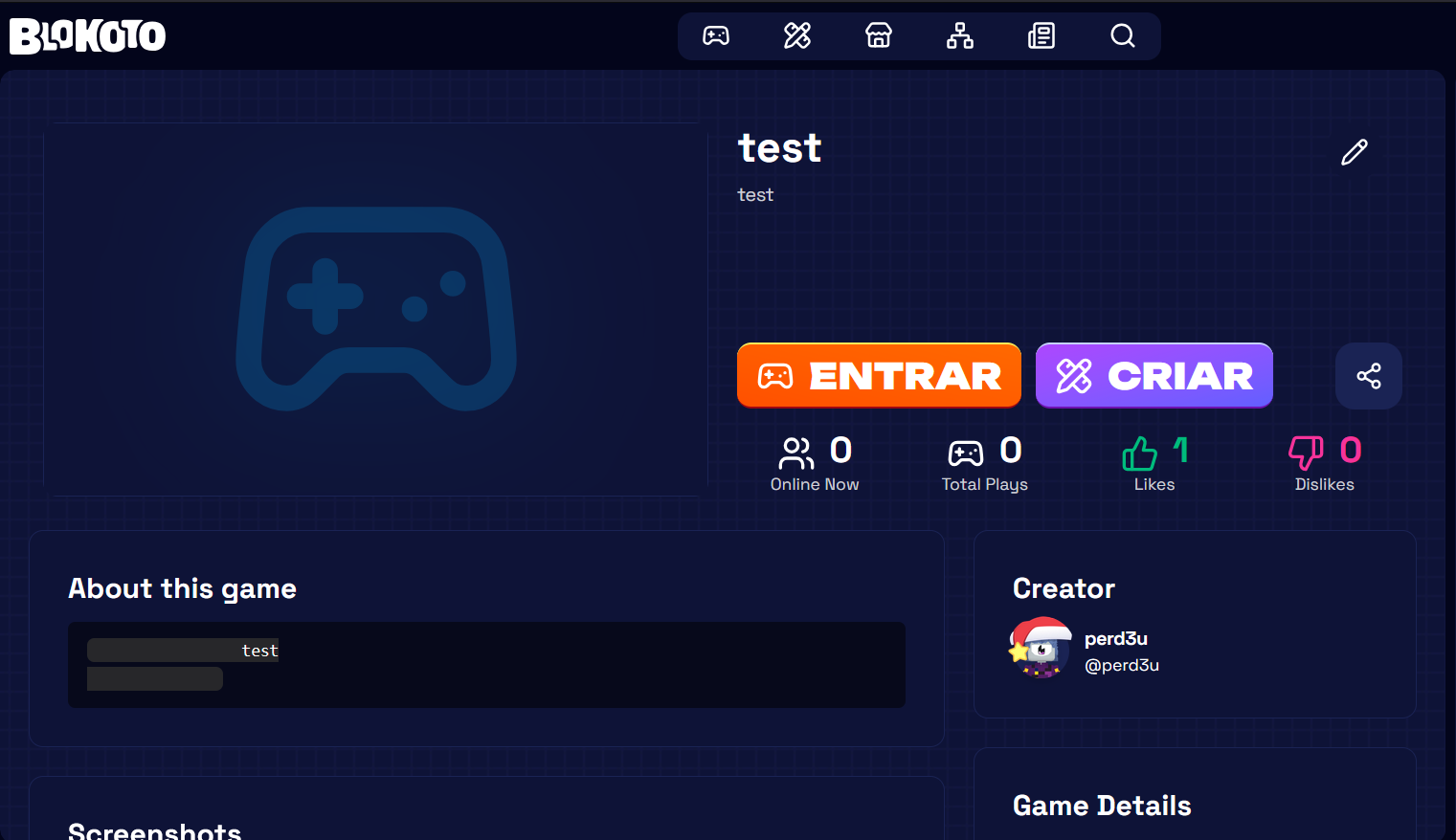
Windows, Firefox 146.0 (64-bits)
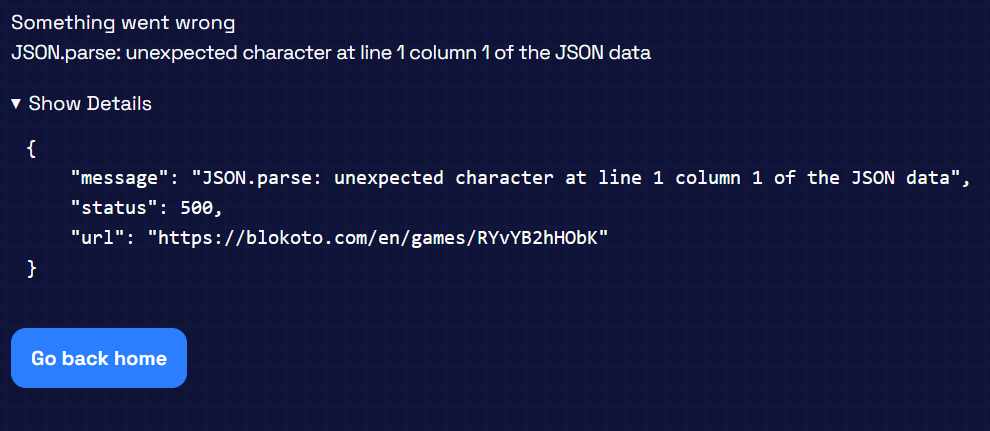
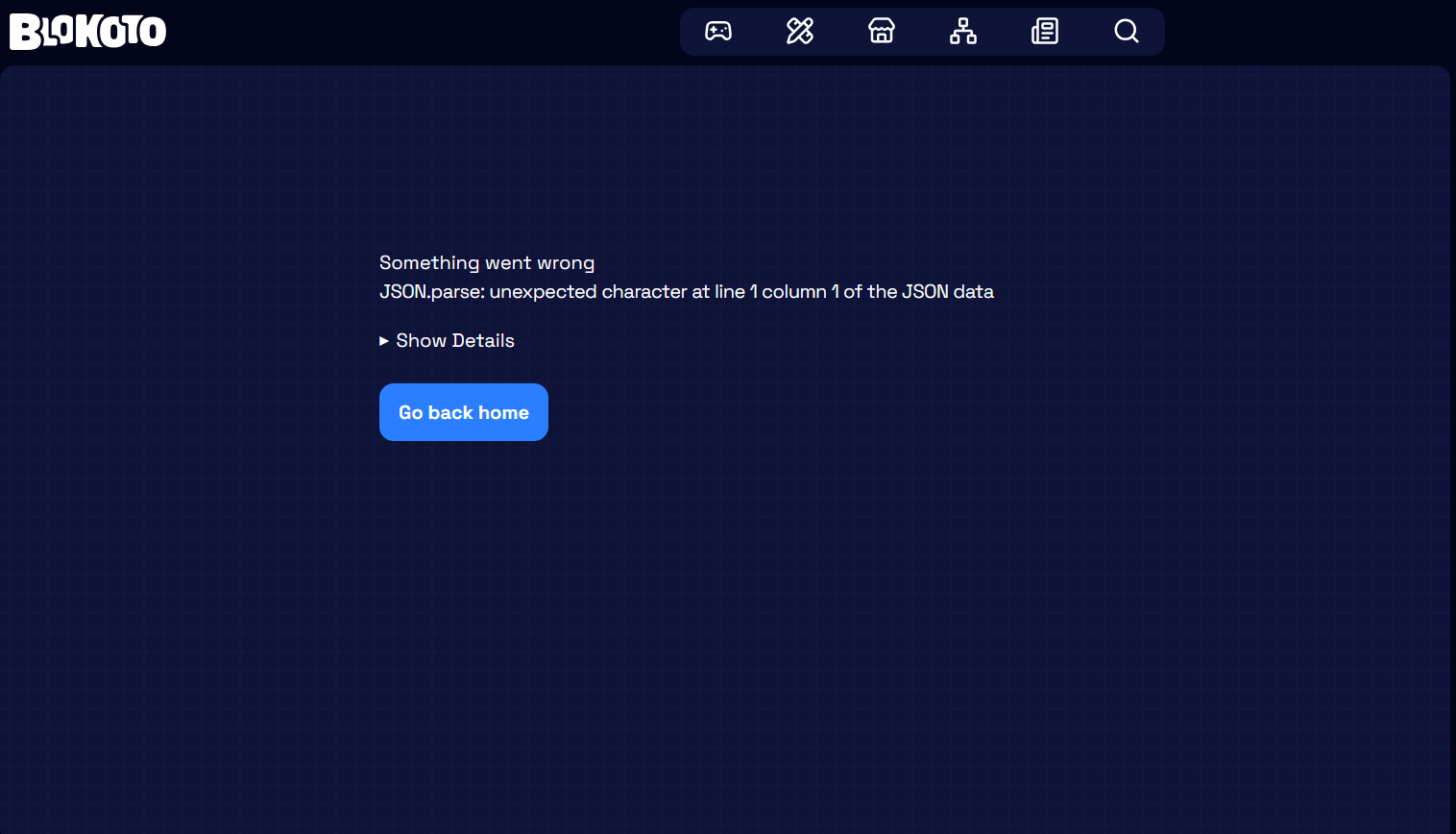
After saving a edit game page, this error page will show up
If instead, you reload the page (F5), it will show the changes, however, the save data will be changed.
The start of both (Game Synopsis, Game Description) long text boxes will start and end with a buntch of spaces, that if repeated can lead to the applying of a <pre></pre> in the HTML
Steps to reproduce
access a game you created
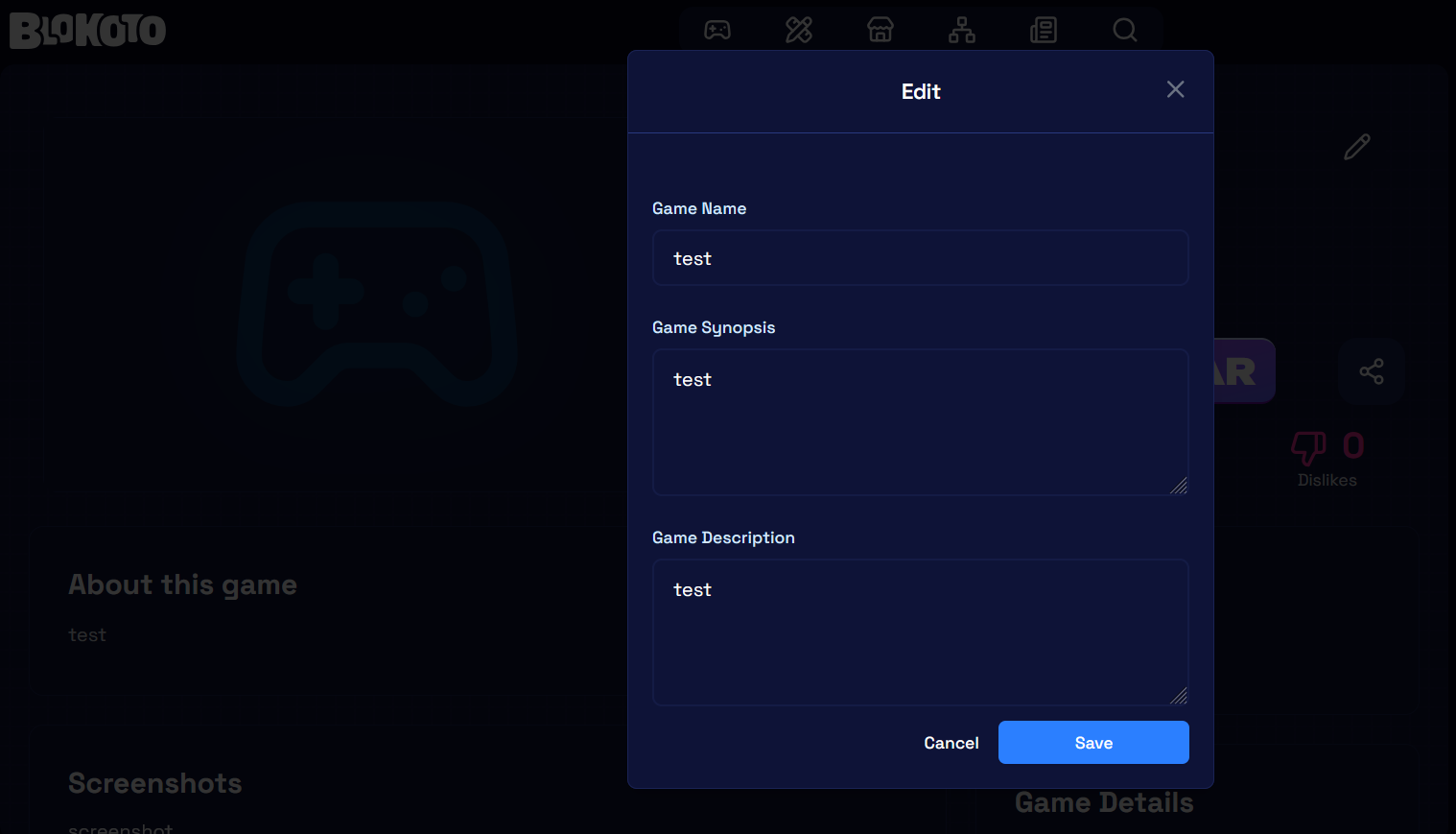
go to it’s metadata editor (edit), set all Text Box to “test", click Save
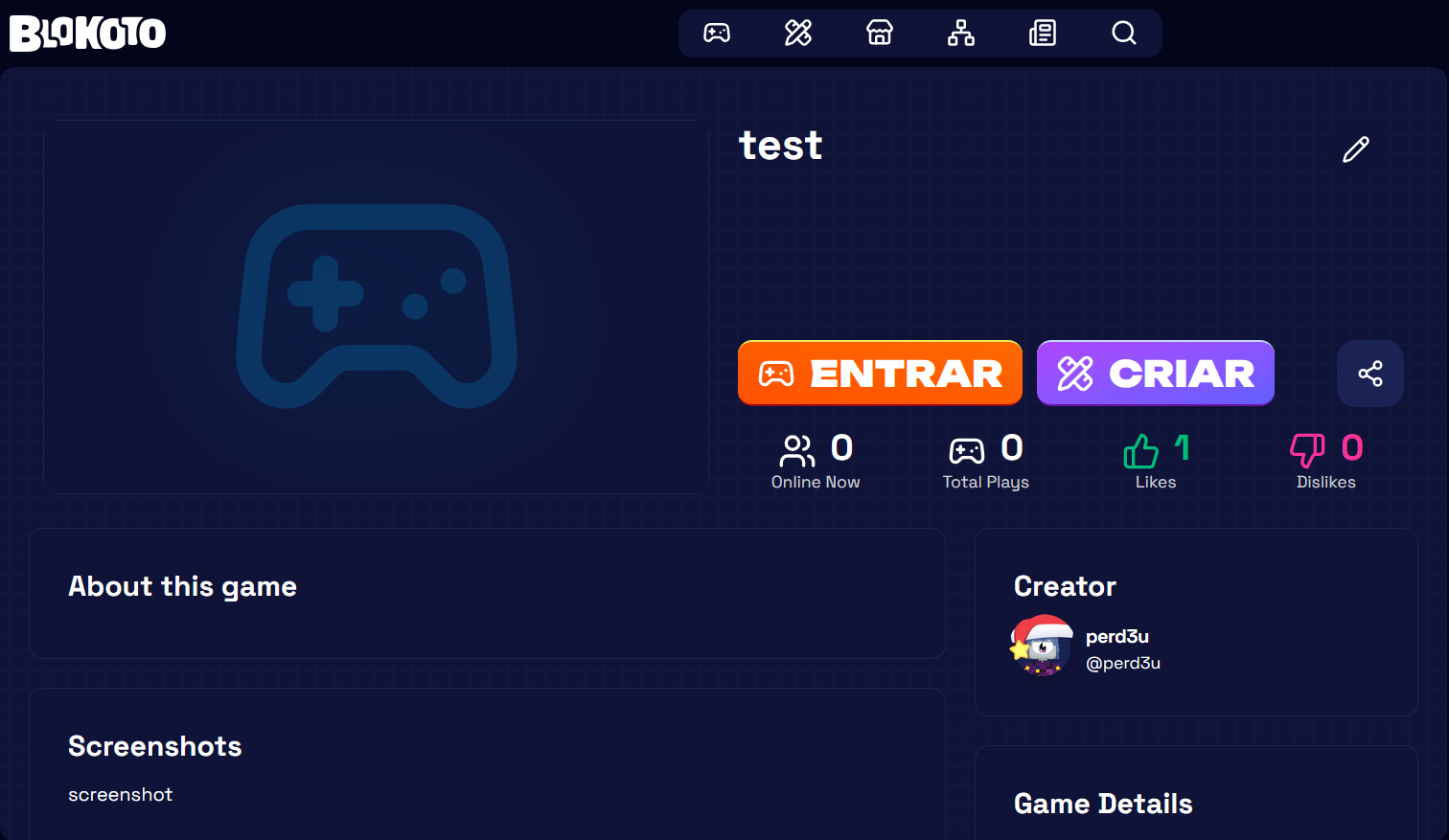
after error report, reload the page
Go to it’s metadata editor (edit) and select Game Synopsis and Game Description Text Box
Notice the new characters that was added
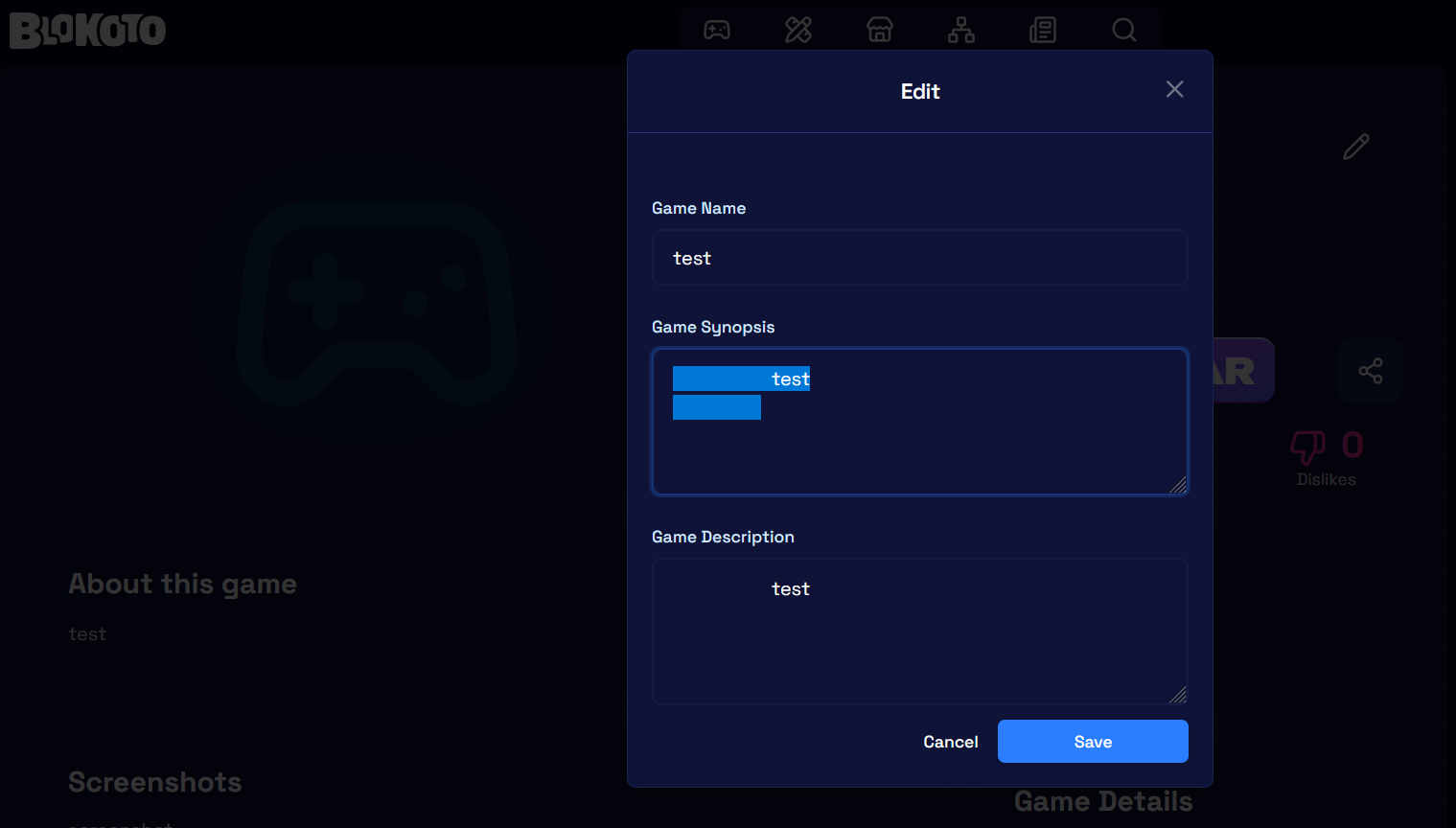
repeat again and notice the HTML be changed in the game page