OS: KDE Neon 6.6.2 (Linux)
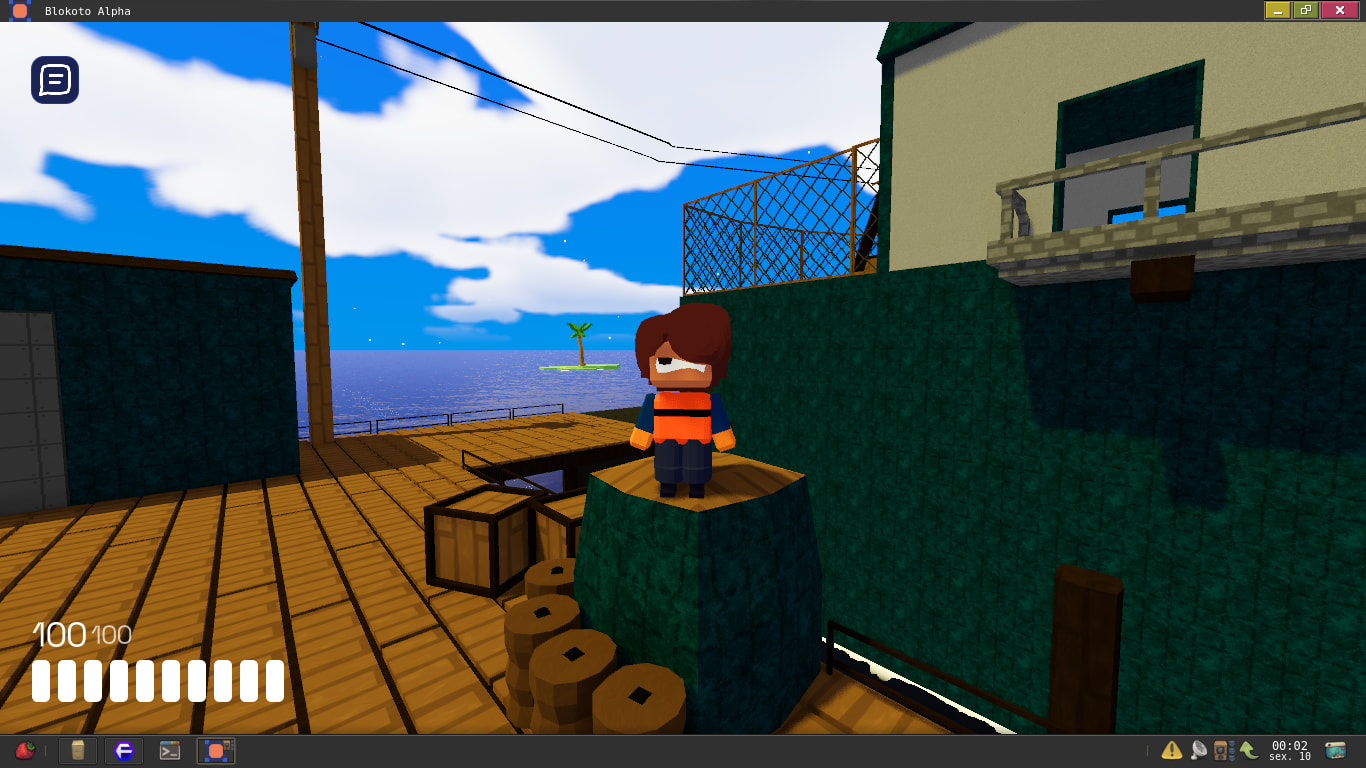
Hello! I saw that a new update went out so I tried joining a game to test it but the maps don’t load. Before the update, it worked almost fine, the issue still existed sometimes but it normally fixed itself after re-joining the game. Now however, re-joining fixes nothing.
Issue exists on both Vulkan and OpenGL renderers. Changing the graphics settings doesn’t fix it too.
Video demonstrating the bug
Hello! Does this bug always happens?
1 Like
Yes, on all games too.
(EDIT: As an add-up, deleting the game folder then reinstalling it again doesn’t fix the issue)
There’s something that I forgot to mention in the post that I think could be important, collisions and props (guns, portals, text, etc) do load fine, what doesn’t load is the visibility of the map.
Try updating your graphic drivers, specially if you are using an AMD GPU.
1 Like
My drivers seems to be up to date, and I don’t think the drivers are the problem because the avatar editor for example works with no issues (not the game creator though), also the game did load the maps before the update.
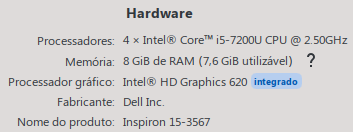
This is my hardware:
1 Like
Which version worked fine? Alpha 1.2 or Alpha 1.1?
The version specifically I’m not so sure, but last time I played was late January, between days 29 and 31.
EDIT: Yeah found the changelog, it was working on Alpha 1.1
1 Like
Hello. I’d like to give an update to this thread.
2 days ago I migrated my OS from KDE Neon to Debian Testing, since my SSD was getting full (it’s kinda small, 120GB) and I felt like switching over. I did a clean install.
And now the game works again!
Because my disk was fully erased I can’t exactly say if it was the OS or some modification I’ve messed up on the system that was causing this bug to happen but, what matters is that it works now. Thanks for the help.