Describe your computer specs and game version [Ex: Windows, v0.5.0]
Windows, Alpha 1.2.0
Describe the issue
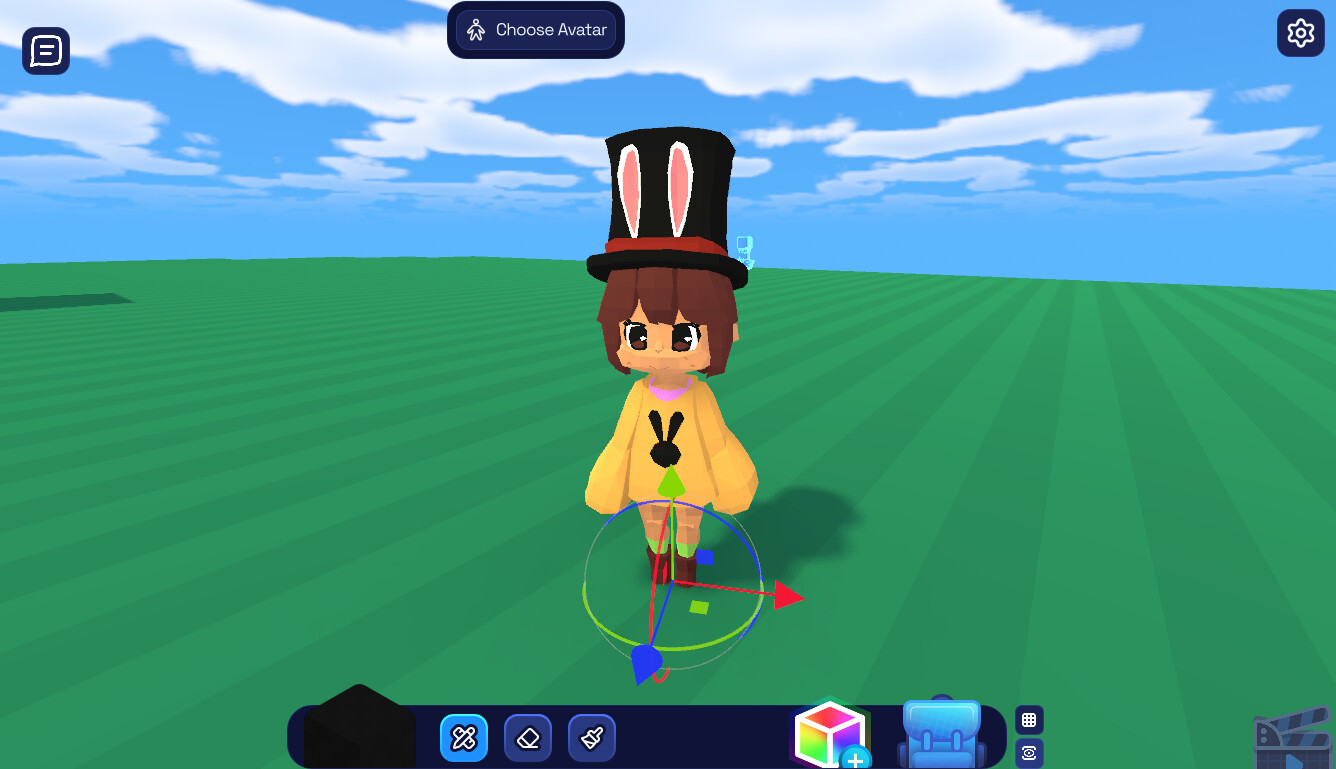
There’s no option to delete the “Actor”.
Steps to reproduce
- Go to Blokoto.com
- Switch to “Create” tab.
- Enter any project.
- Click on the colorful cube icon.
- From the Storytelling category, select Actor.
- Place the Actor in your map somewhere.
- Left click on Actor.
No option for delete.
Screenshot: